 OneClick Tools
Pick any color
from your screen
Click. Pick a pixel. Get it in 5 formats.
No website permissions. No tracking. Just colors.
Screenshots
See it in action
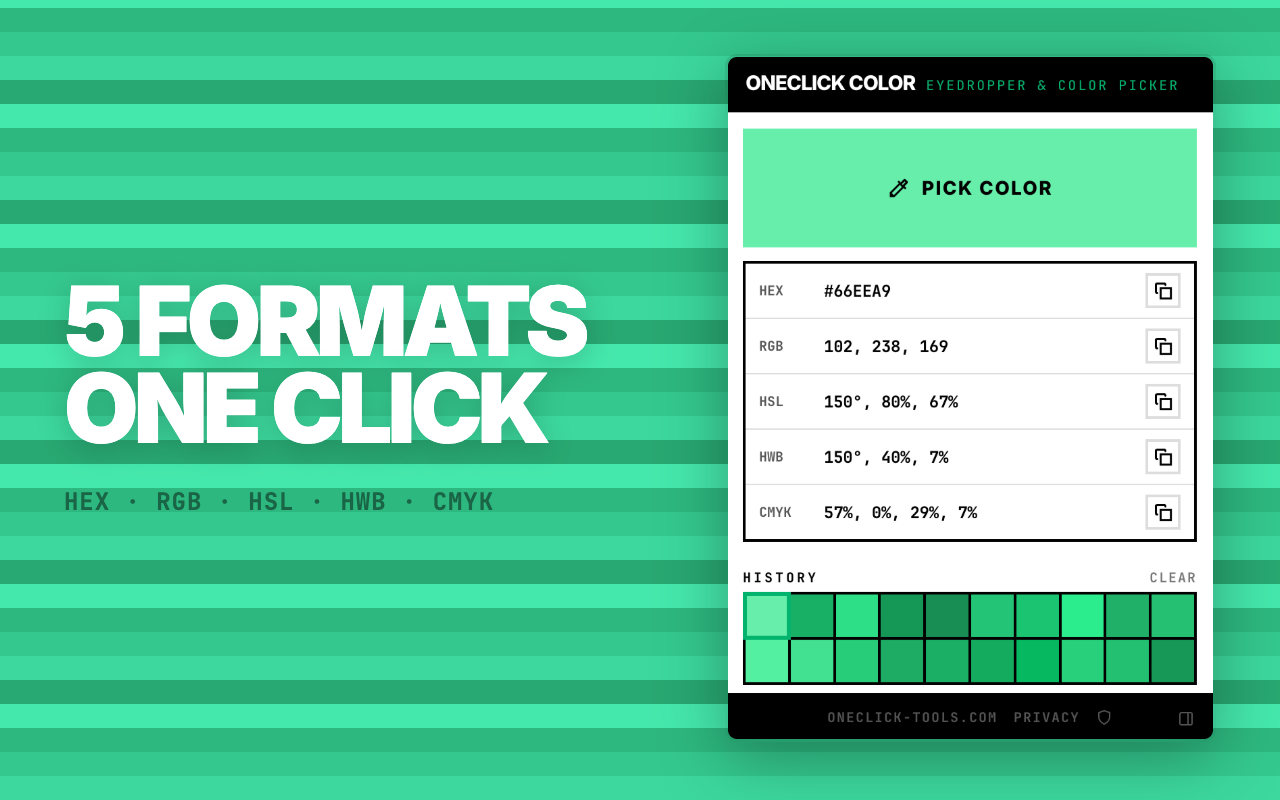
One Pixel, Five Formats
Pick a color once — get it in every format you need. Copy any value in one click.
All conversions happen instantly · no external libraries · pure math
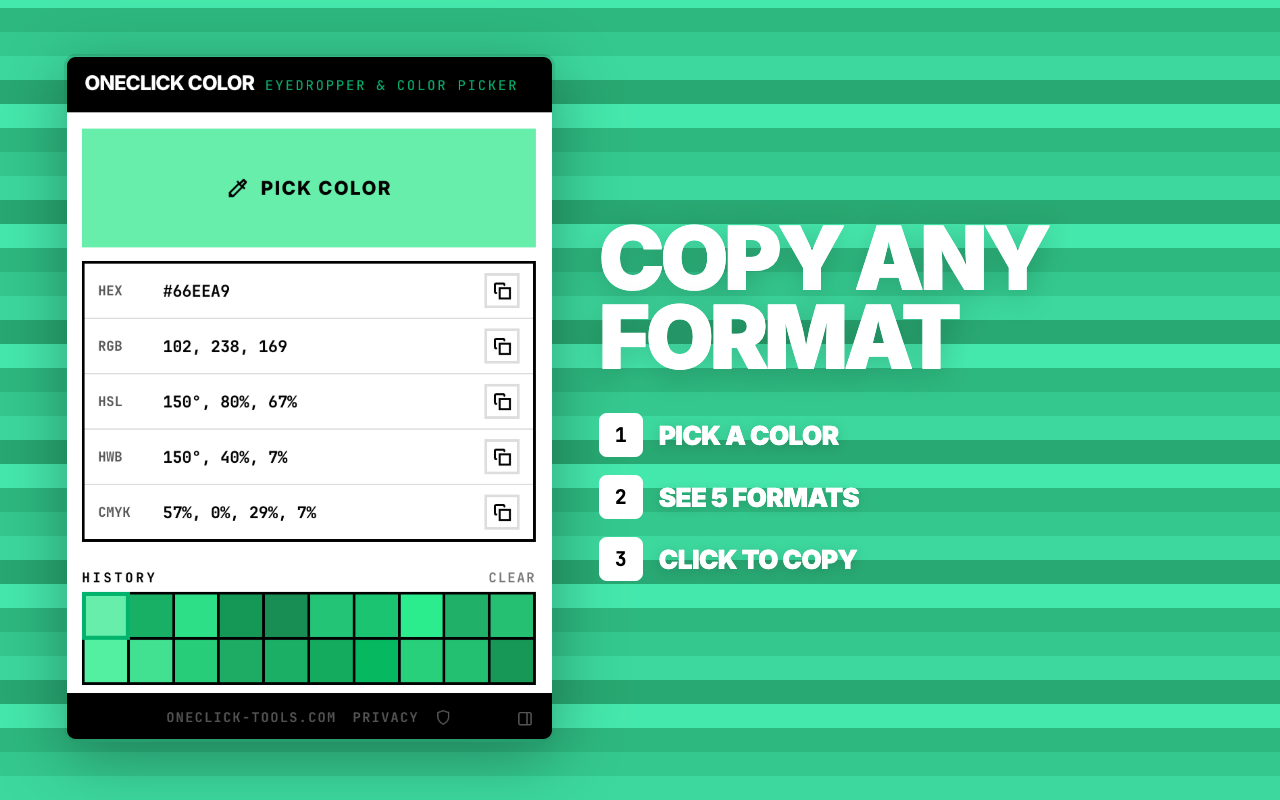
Pick. Copy. Done.
Click Pick Color
Click the extension icon, then hit "Pick Color". A native eyedropper cursor appears.
Click any pixel
Point at anything on your screen. Any website, any app, any image. Click to capture the color.
Copy the value
Your color is here in 5 formats. One click to copy any of them.
Try it — pick a color from your screen
Color History
Your last 20
colors saved
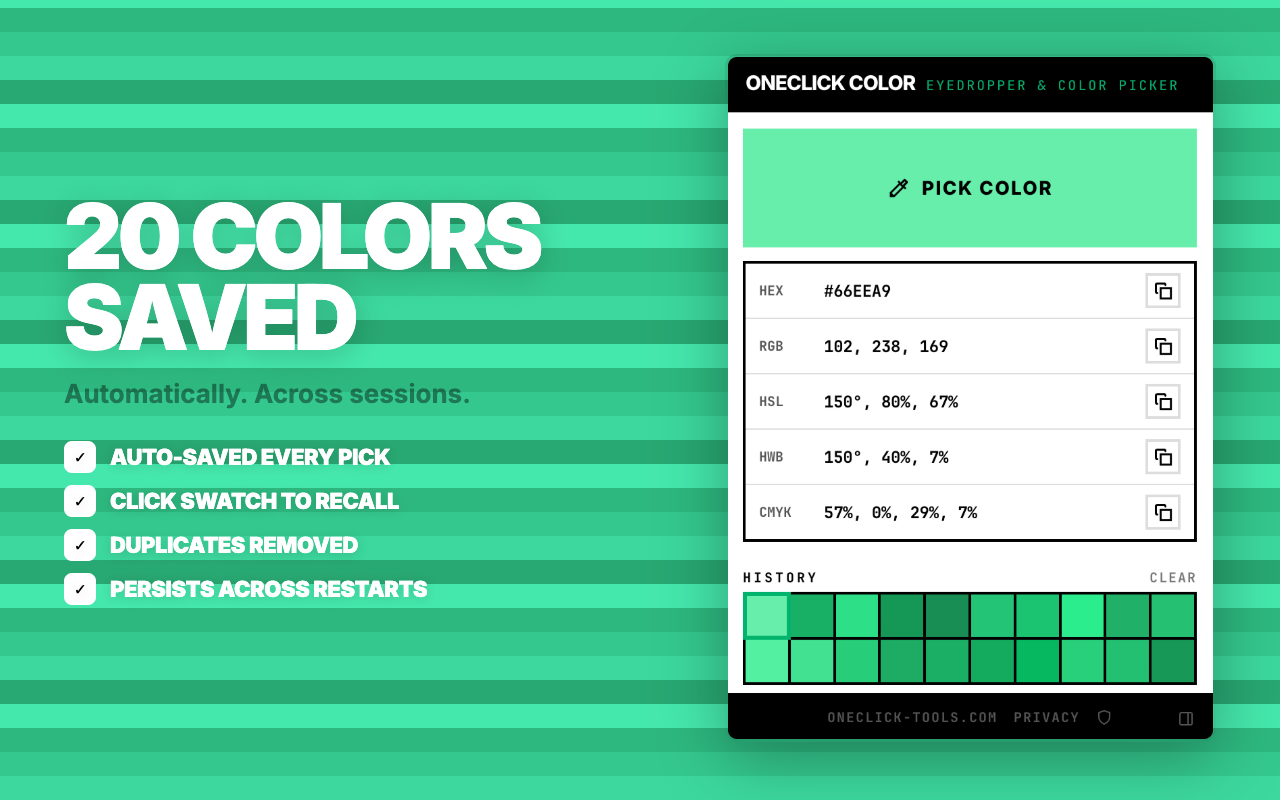
Every color you pick is automatically saved. Click any swatch to recall it with full conversion to all 5 formats.
Zero permissions. Really.
Every other color picker asks for full access to every website you visit.
| ColorZilla | Eye Dropper | ColorPick | OneClick Color | |
|---|---|---|---|---|
| Website access | All websites | All websites | All websites | None |
| Install warning | "Read all data" | "Read all data" | "Read all data" | No warning |
| Content scripts | Injected | Injected | Injected | None |
| Color formats | HEX, RGB | HEX, RGB | HEX, RGB | HEX RGB HSL HWB CMYK |
| Works on | Websites only | Websites only | Websites only | Anything on screen |
| Print format | No CMYK | No CMYK | No CMYK | CMYK included |
Built for People Who Work With Color
Whether you code it, design it, or print it — the right format is one click away.
Designer
UI / Brand / Visual
"I need the exact blue from that website for my Figma mockup. And the client wants the brand guide in HEX."
Developer
Frontend / CSS
"I need to match this color from the design comp. HSL makes it easy to adjust lightness. HWB for CSS4."
Pre-press / Packaging
"The brand color is on their website but I need CMYK values for the printer. No one else gives me CMYK."
Anyone
Curious / Learning
"What color is that? I just want to know. Pick it, see it, maybe save it for later."
One tool · every use case · every format
FAQ
How much does OneClick Color cost?
The core features are available at no cost. No accounts, no subscriptions required.
Does it require special permissions?
No, zero permissions required. It uses the native EyeDropper API — no content scripts, no website access.
What color formats are supported?
HEX, RGB, HSL, HWB, and CMYK. All values can be copied to clipboard in one click.
Does it save my picked colors?
Yes, the last 20 colors are automatically saved and persist across browser sessions.
Part of OneClick Tools
Browser extensions that do one thing well. No accounts. No tracking. Just tools.

Image
Image Format Converter
Convert HEIC, WebP, AVIF, SVG, BMP, GIF to JPG, PNG or PDF – in your browser. No upload. No server. No account.
HEIC·WebP·AVIF → JPG·PNG·PDF

Font
Web Font Identifier
Hover over text. Click. Get every CSS property instantly. No DevTools. No account. No bloat.
7 CSS properties · ~30 KB · activeTab only

Blur
Screenshot & Blur Tool
Take a screenshot. Brush over passwords, emails, names. Download a clean image. Nothing gets uploaded.
Screenshot·Blur·Pixelate·Export

CSS
CSS & Tailwind Grabber
Hover over any element. Copy its clean CSS or Tailwind classes instantly. No DevTools, no account, no bloat.
CSS·Tailwind·Pseudo·Variables·History

Resize
Icon Size Generator
One image in, every size out. 7 platform presets, favicon.ico generation, custom sizes. ZIP Download.
Chrome·Favicon·PWA·iOS·Android·macOS·Social

Refresh
Auto Tab Reloader
Set an interval. Hit start. Your page reloads itself. Badge countdown on the icon. Remembers per site.
8 presets · Badge countdown · Per-site memory